
Blog
Tips, updates, and insights.

How to Copy and Paste on Mac: Every Shortcut and Trick
How to copy and paste on Mac with keyboard shortcuts, the trackpad and drag and drop, plus how to move files, paste without formatting and get old copies back.

How to Copy a File Path on Mac (Plus the Windows Shortcut)
How to copy a file path on Mac in one shortcut, from Finder, the path bar or Terminal, plus the Windows equivalent and how to stop retyping paths you reuse.

How to Copy a Screenshot to Clipboard on Mac and Windows
How to copy a screenshot to clipboard on Mac and Windows with one shortcut, skip the file on your desktop, and keep every capture instead of losing it.
A Clipboard Manager for Students: The Setup That Saves Every Source
A clipboard manager for students keeps every quote, citation and lecture note searchable instead of lost. Here's the setup that ends re-finding the same source.
How to Copy Text From an Image or PDF
How to copy text from an image on Mac, Windows, iPhone and Android, plus scanned PDFs — the built-in tools, their limits, and how to keep every capture.
The Best Clipboard Manager for Windows 11
Looking for a clipboard manager for Windows 11? Here's what the built-in Win + V history really does, where it stops, and how to pick an app that goes further.

Copy and Paste Not Working on Mac? How to Fix It
Copy and paste not working on Mac? Restart the pasteboard server, rule out stuck keys, Secure Input and remote desktop sessions — a fix-it list in order of effort.

Chrome Clipboard History: How to See What You Copied in the Browser
Chrome clipboard history isn't a built-in feature — here's how to see what you copied in the browser on Windows, Mac and ChromeOS, and how to keep it all searchable.
Universal Clipboard Not Working? A Fix-It Checklist for Mac, iPhone and iPad
Universal Clipboard not working between your Mac, iPhone or iPad? Work through this checklist of requirements and fixes to get copy and paste syncing again.
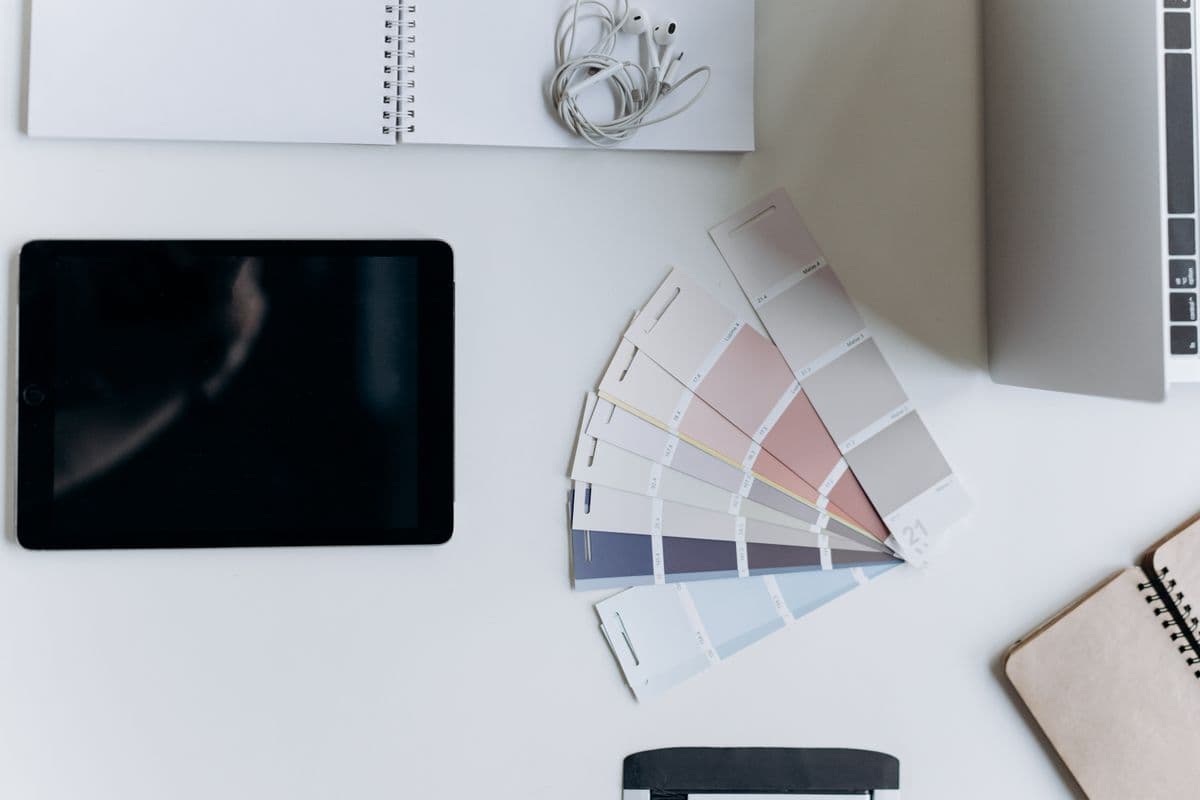
A Clipboard Manager for Designers: The Setup That Saves Every Asset
A clipboard manager for designers keeps every hex code, asset and spec you copy searchable and one keystroke away. Here's the setup that ends the re-copying.
Looking for a CleanClip Alternative? Here's What to Compare
Searching for a CleanClip alternative on Mac? An honest look at what CleanClip does well, when people outgrow it, and how Copaste compares on Mac and Windows.
Every Clipboard History Shortcut Worth Knowing (Mac & Windows)
Every clipboard history shortcut worth knowing on Mac and Windows — Win+V, Spotlight's ⌘4, paste as plain text, and the one shortcut that replaces them all.

How to Pin Clipboard Items You Paste Every Day
Learn how to pin clipboard items on Windows and Mac so the snippets you paste every day — signatures, addresses, templates — are always one shortcut away.

A Clipboard Manager for Writers: The Setup That Saves Every Draft
A clipboard manager for writers turns copy-paste into a searchable library of quotes, notes and cut paragraphs. Here's the setup that stops you losing words.

How to Share Your Clipboard Between a Mac and a Windows PC
How to share your clipboard between a Mac and a Windows PC: the real options — KVM software, remote desktop, cloud tools — plus the trade-offs of each.

Clipboard History Not Working? How to Fix It on Windows and Mac
Clipboard history not working on Windows or Mac? Here are the real reasons Win+V and Spotlight come up empty — and how to fix each one for good.

How to Recover Copied Text You Accidentally Lost
How to recover copied text you lost: check clipboard history on Mac and Windows, find the text in app drafts and undo, and stop losing copies for good.

How to Autofill Forms Without a Password Manager
How to autofill forms without a password manager: use built-in browser autofill, keyboard shortcuts, and a clipboard manager to stop retyping the same fields.

How to Save Your Clipboard History Permanently
Want to save your clipboard history permanently? Here's why Mac and Windows keep deleting it — and how to keep every copied item searchable for good.

How to Sync Your Clipboard Between Your Mac and Chrome
Learn how to sync your clipboard between your Mac and Chrome so anything you copy on your desktop is ready to paste in the browser — and back again — in seconds.
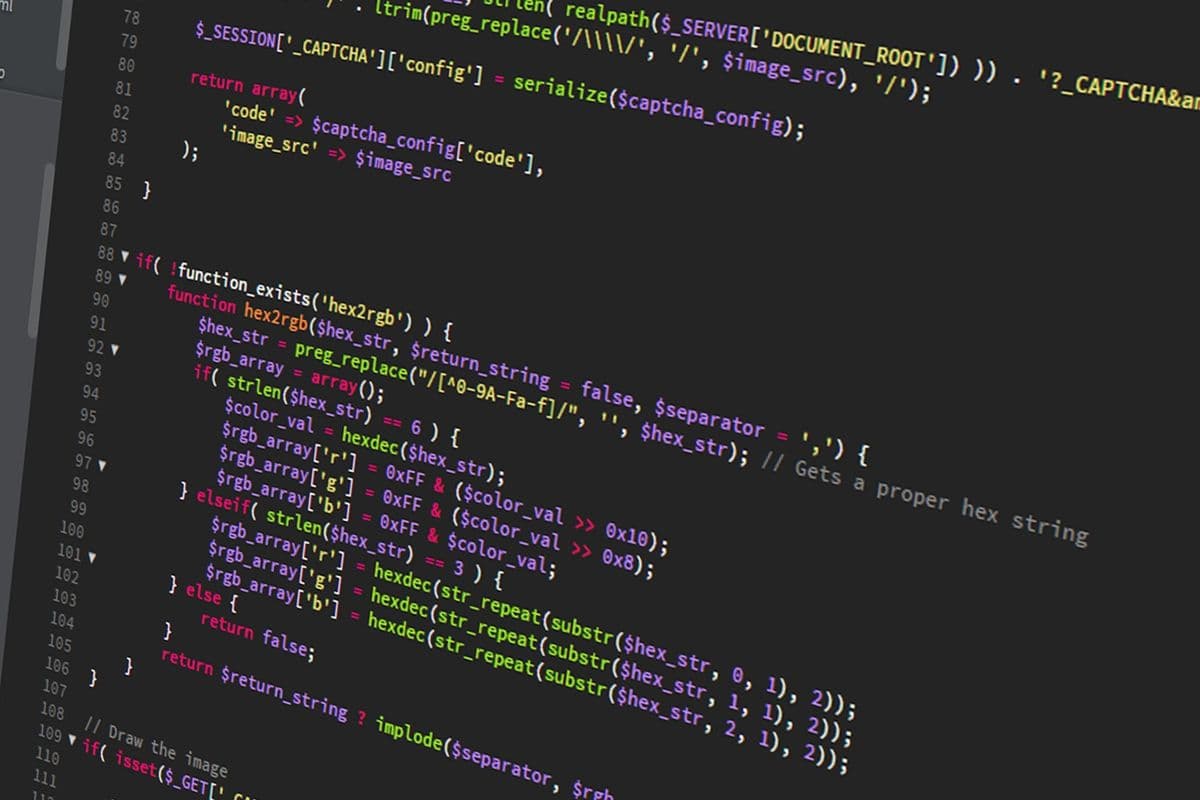
The Clipboard Setup Every Developer Should Have
A clipboard manager for developers turns copy-paste into a searchable snippet library. Here's the setup that saves hours a week — connection strings, keys, code, and more.

Is Your Clipboard Secure? What Apps Can Read When You Copy
Is your clipboard secure? Here's what apps can read when you copy, the real risks on Mac and Windows, and how to keep passwords and private data safe.

Clipboard Manager Comparison: How to Pick the Right One (2026)
A practical clipboard manager comparison for 2026: the features that actually matter, how free, paid, and built-in options differ, and how to choose the right one.

Looking for a Maccy Alternative? Here's What to Consider
Searching for a Maccy alternative on Mac? Here's an honest look at what Maccy does well, when you might outgrow it, and how Copaste compares — no subscription.

The Best Paste App Alternative for Mac
Looking for a Paste app alternative for Mac? Here's an honest look at why people switch, what to look for, and how Copaste compares — no subscription required.

The Best Clipboard Manager for Windows in 2026
Looking for the best clipboard manager for Windows in 2026? An honest comparison of the built-in tool, free apps, and full-featured options — and how to choose.

How to Always Paste as Plain Text (Mac & Windows)
Learn how to paste as plain text on Mac and Windows, so pasted text stops carrying fonts, colors, and formatting from wherever you copied it.

Where Is the Clipboard on a Mac?
Where is the clipboard on a Mac, and can you actually see what's in it? Here's where macOS hides the clipboard, and how to view your full copy history.

How to Copy and Paste Multiple Items at Once
The default clipboard only holds one item at a time. Here's how to copy and paste multiple items at once on Mac and Windows, and keep them organized.
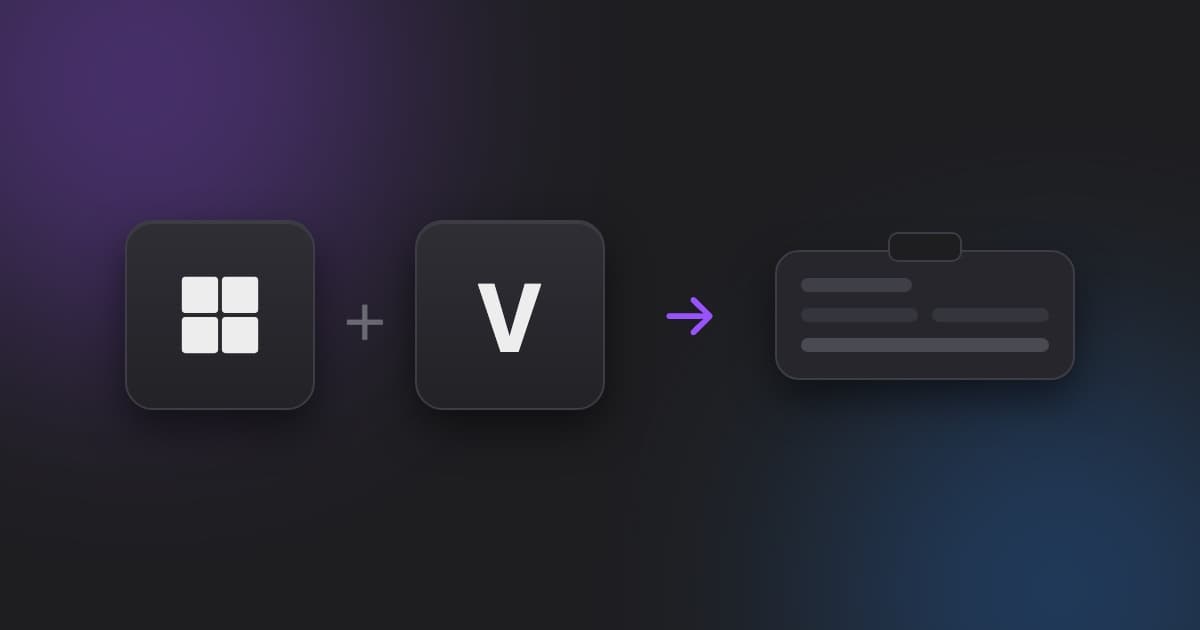
Clipboard History on Windows: How to Copy Multiple Items
How to turn on and use clipboard history on Windows to copy multiple items at once, plus how to keep, search, and organize what you copy long-term.

The Best Clipboard Manager for Mac in 2026
Looking for the best clipboard manager for Mac in 2026? Here's an honest comparison of the top options — free, paid, and built-in — and how to choose.

How to Clear Your Clipboard History (Mac & Windows)
Step-by-step instructions to clear clipboard history on Mac and Windows, plus why a clipboard manager gives you more control than clearing everything.

How to See Your Clipboard History on Mac
macOS 26 shows only a few hours of clipboard history, and only on your Mac. Here's how to see, search, and keep everything you copy.
Why Your Clipboard Is Holding You Back
Most developers and designers copy and paste dozens of times a day — yet the clipboard has barely changed since 1984. Here's how Copaste fixes that.