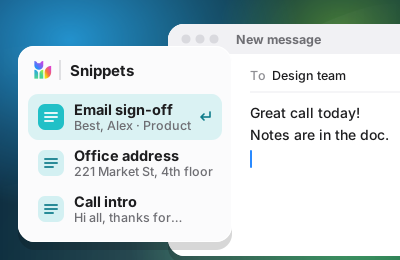
Snippets
Save text you type again and again, and drop it in wherever your cursor is.


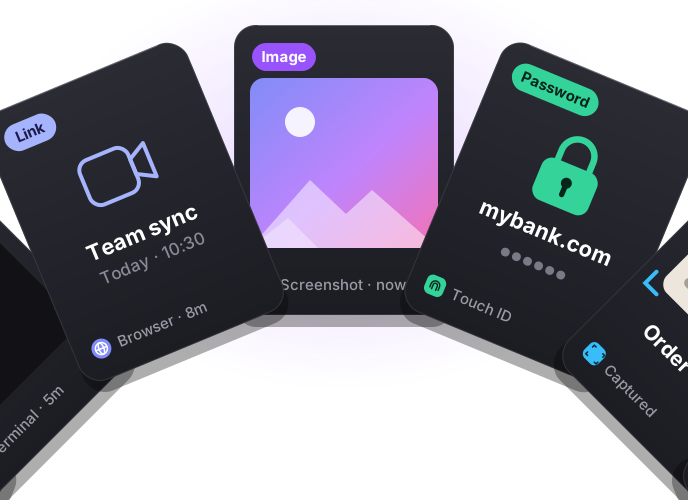
A launcher for your apps, a vault that opens with Touch ID, and new ways to paste.
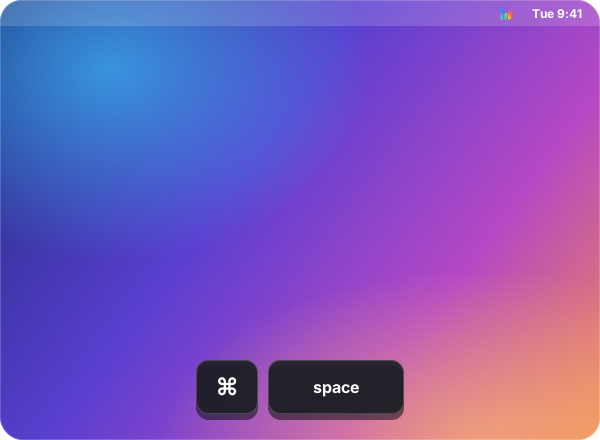
Application Search opens any app on your Mac from a single shortcut. It's ⌘ Space out of the box, and you can change it anytime in Preferences.
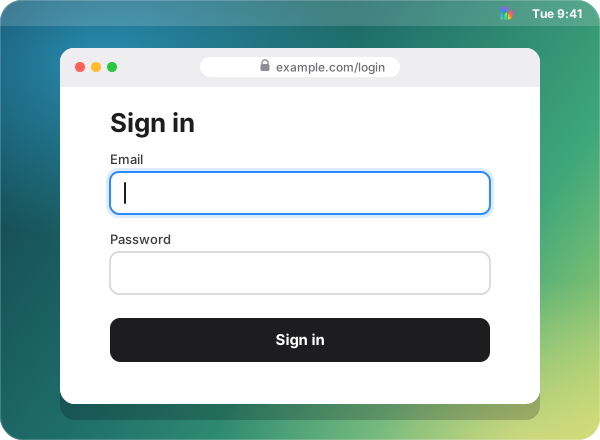
Passwords, payment cards, addresses and verification codes live in a vault on your Mac, unlocked with Touch ID. The browser extension fills them in for you — and signs you in with passkeys, so there is nothing left to type.
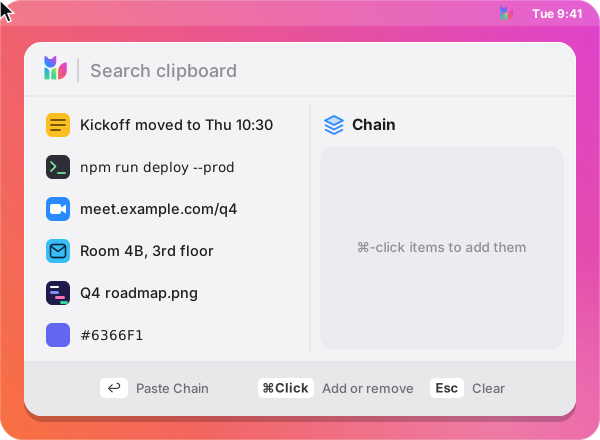
Hold ⌘ and click anything in your clipboard history to build a Paste Chain — text, links, images, whatever you need. Press Return to paste the first item, then ⌃⌘V pastes the next one, in the order you picked.
Smaller touches in 2.0 that add up every day.
Save text you type again and again, and drop it in wherever your cursor is.
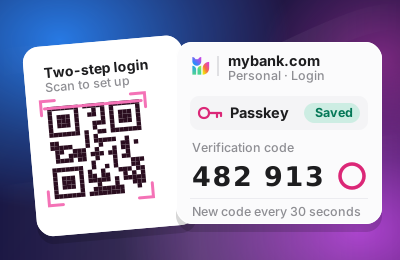
Sign in with passkeys, and add verification codes straight from a setup QR code.
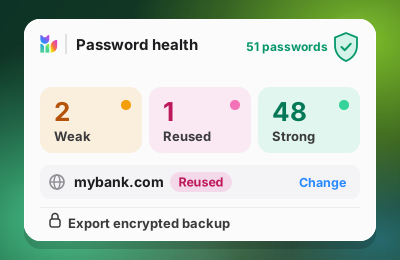
See which passwords are weak or reused, and export an encrypted vault backup.
Browser extension
The Copaste browser extension brings what you copied, your logins, passkeys, cards and past form entries into the fields you're filling in. All of it still lives in Copaste on your Mac.

Needs Copaste for Mac
Point at the Copaste icon in any text box for your clipboard, favorites and past form entries. Search, switch the case or add an emoji, and your pick lands exactly where the cursor is.
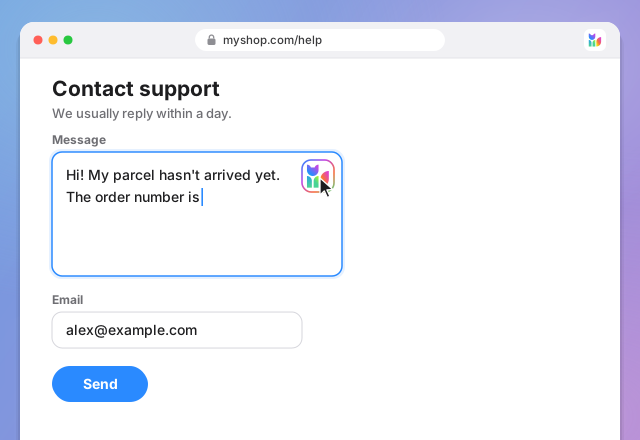
Pick a login from the field, or sign in with a passkey kept in Copaste. New and changed passwords are offered for saving as you go.

Sign-up forms get a strong password that follows the site's own rules. When the next step asks for a code, Copaste fills that too.
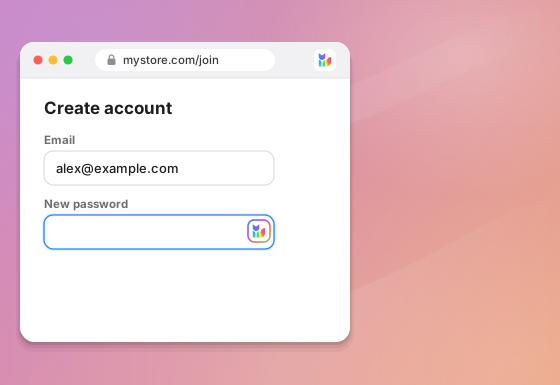
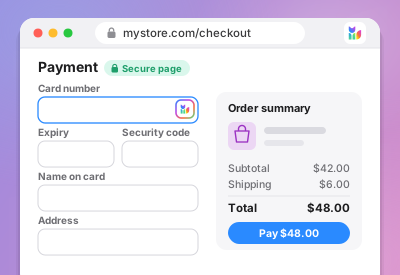
Your cards on secure checkout pages, your details in name, address, email and phone fields. The security code is never saved from a form.
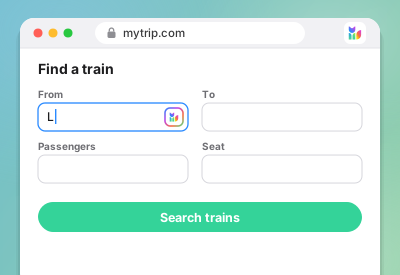
Copaste suggests what you typed into a field before, and can fill a form the way you last sent it. Never passwords, card numbers or one-time codes.
Pause Copaste on a site for an hour, until the tab closes, or for good, one feature at a time.



Your clipboard and vault stay on your Mac. The extension keeps in step over a local connection.
Add the Copaste extension and bring what you copied, your logins and your forms to every page.
Needs Copaste for Mac
Select the words on a photo, a screenshot or a document on your screen and Copaste turns them into text you can paste. Press ⇧⌘2 to start.

Add a tag to any clipboard item and it shows up right next to it. Later, search for the tag and everything that has it comes back.
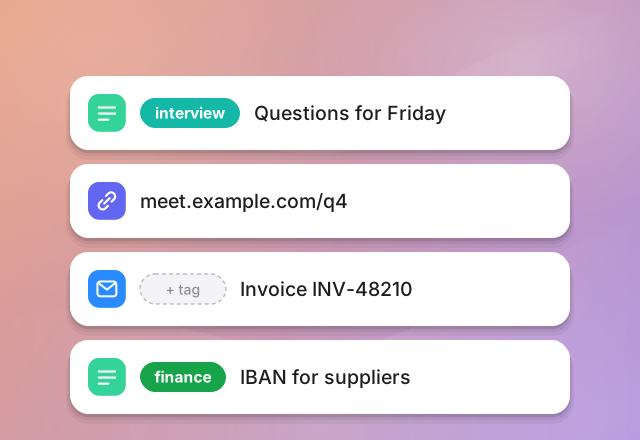
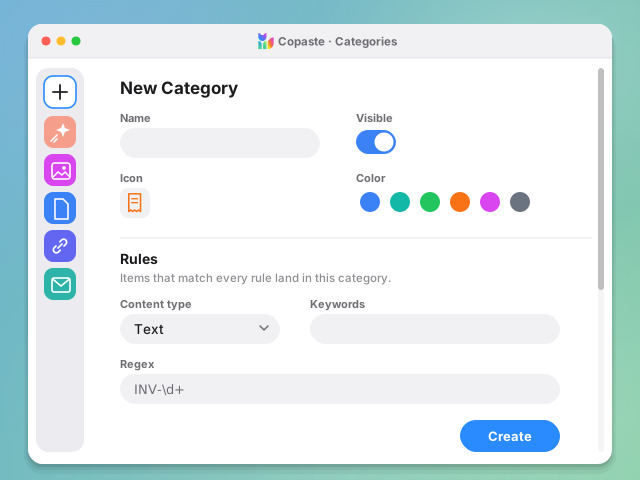
Copaste comes with categories for images, files, links, passwords and more. Hide the ones you never use, or create your own in a few clicks.

Your clipboard history and your vault, side by side: text, images, files and links, plus logins, cards, addresses and 2FA codes. One app instead of three.

Every item opens in a full preview: the text, the image or the link, with when you copied it, its size and its length.

Copaste is local-only. Your clipboard and your vault never leave your Mac: nothing syncs to a server, and there is no account to create.

Search, switch categories, paste and tidy up without reaching for the mouse.

Use Copaste in light or dark mode and switch whenever you like.
$29.90 one-time · No subscription, no account