All in one
From favorites, texts, images, files, to meeting links and AI prompts, save everything seamlessly. No more juggling between apps—Copaste brings it all under one roof.

Copaste Desktop and Chrome Extension work together seamlessly. Your clipboard, passwords, and forms—synchronized and always available.

The core of your clipboard experience. Everything is stored locally on your Mac.

Extends Copaste to your browser. Access your data wherever you browse.
Install Copaste Desktop on your Mac and start the app
Add Chrome Extension to your browser
Everything syncs automatically via local connection
Have your passwords and form data saved on your local device and available in your browser
* Requires Copaste Desktop for macOS
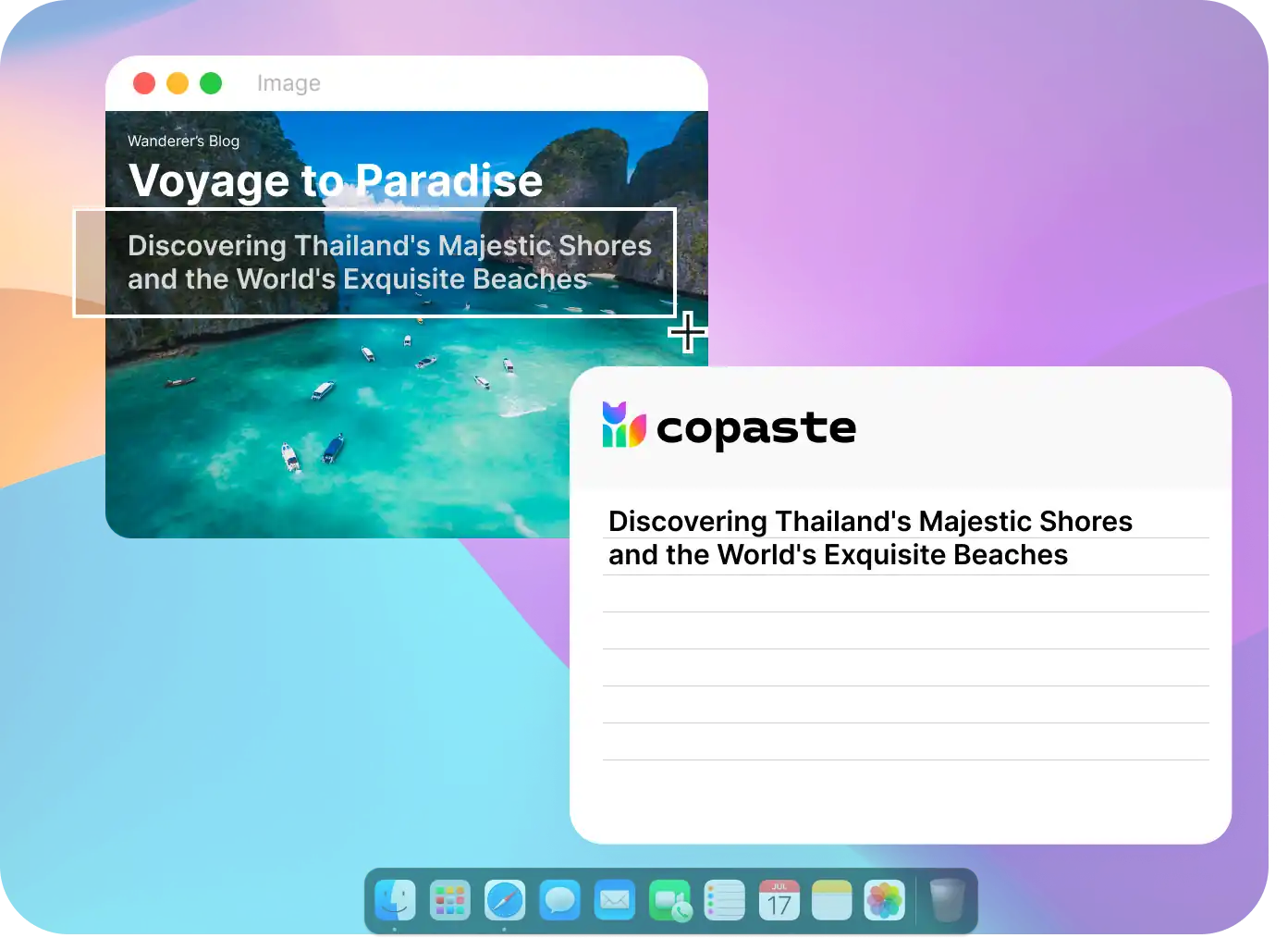
Effortlessly extract text from images, documents, and digital surfaces with a single click. Press⇧+⌘+2to capture text.
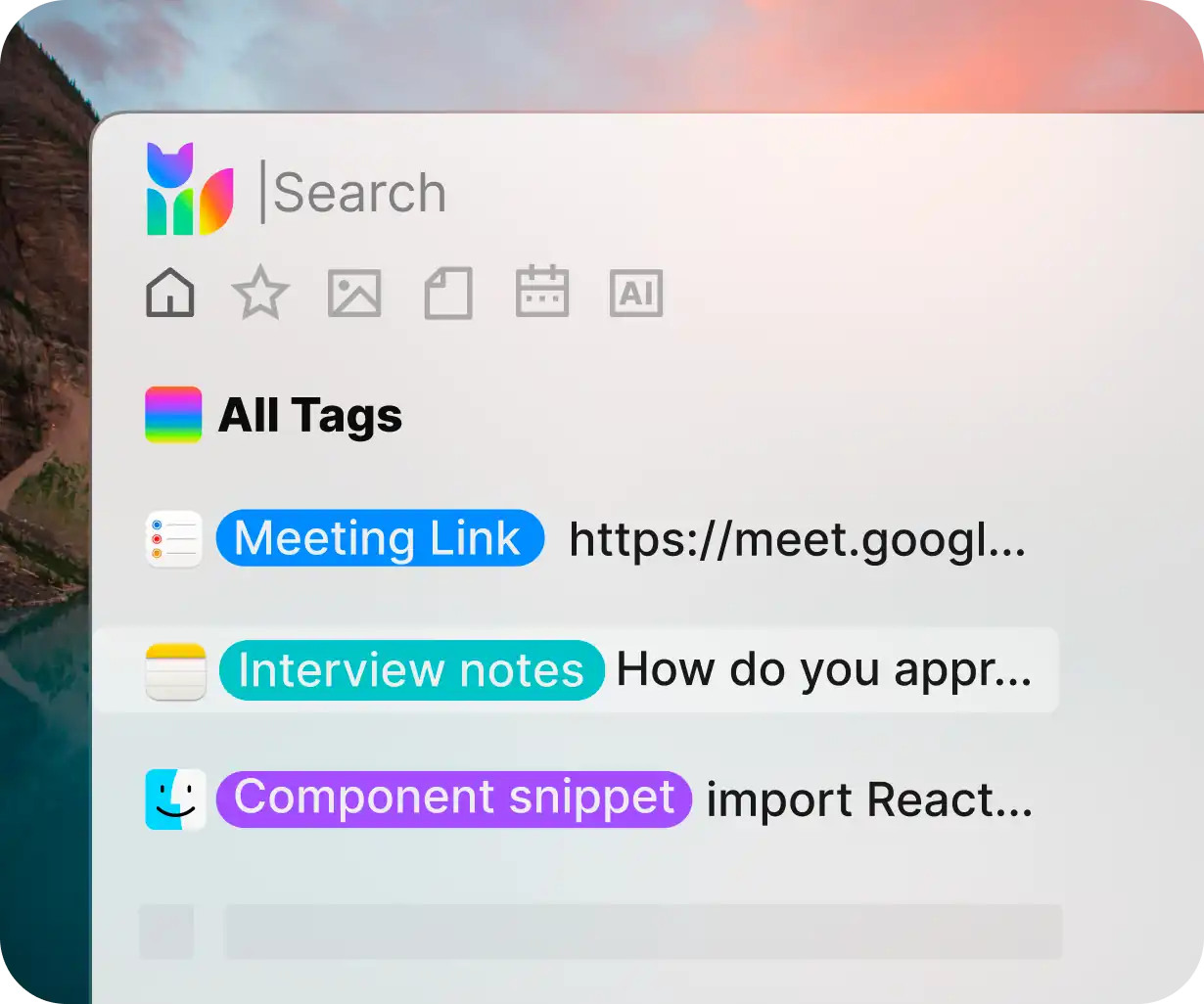
Easily add tags to any clipboard item. No more tedious searching; just label and retrieve with precision. With Copaste's tagging, organize by categories such as text, files, images, and more.
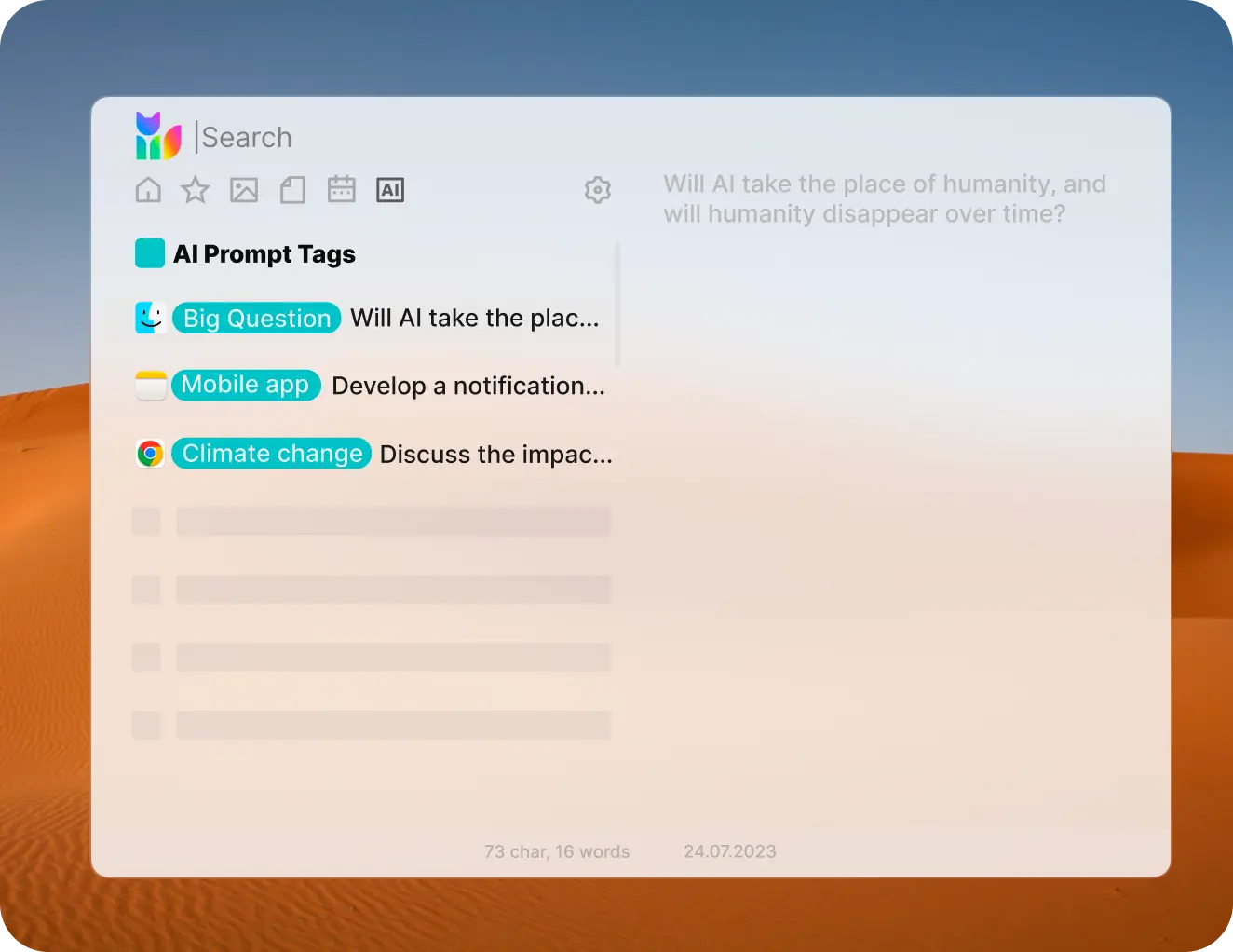
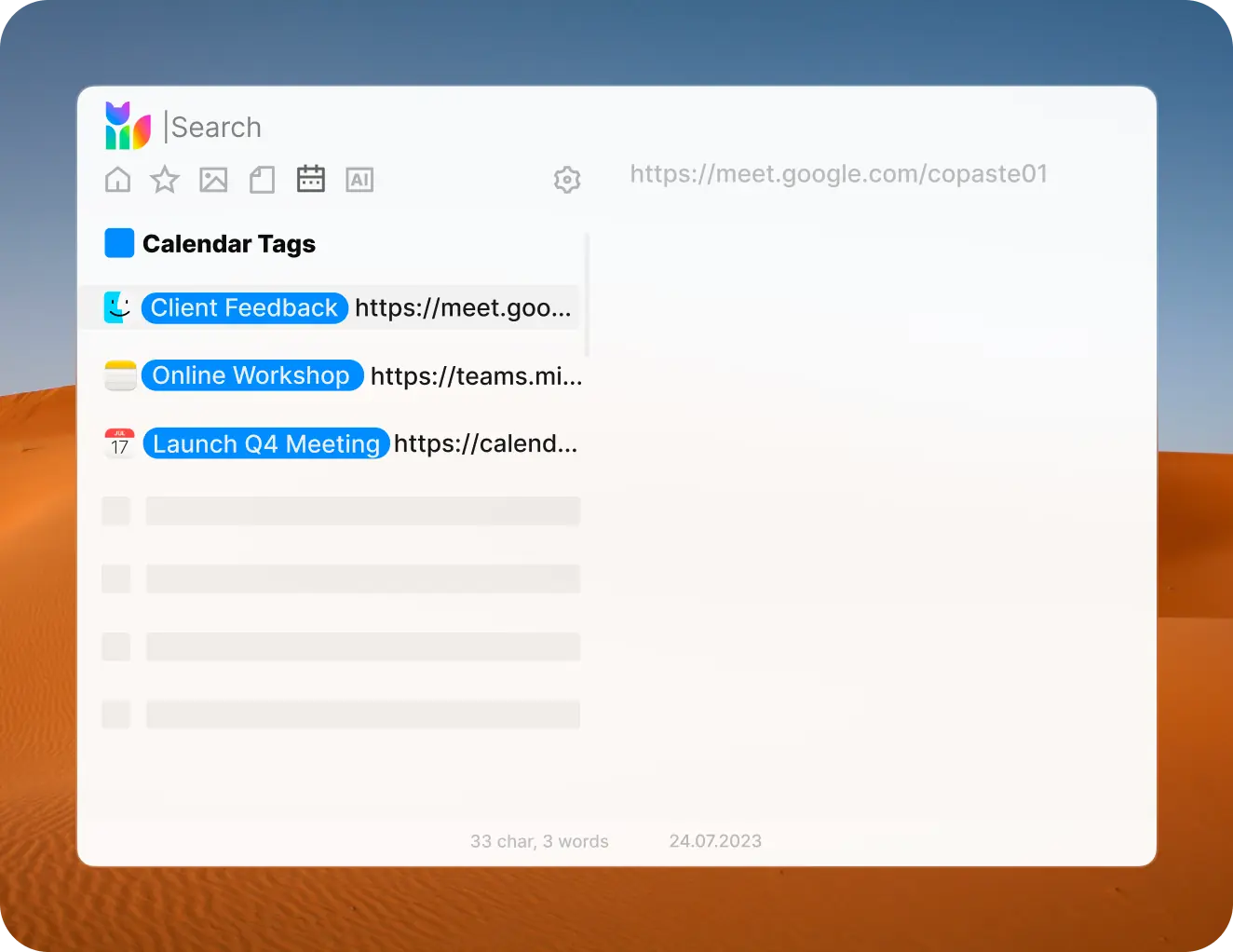
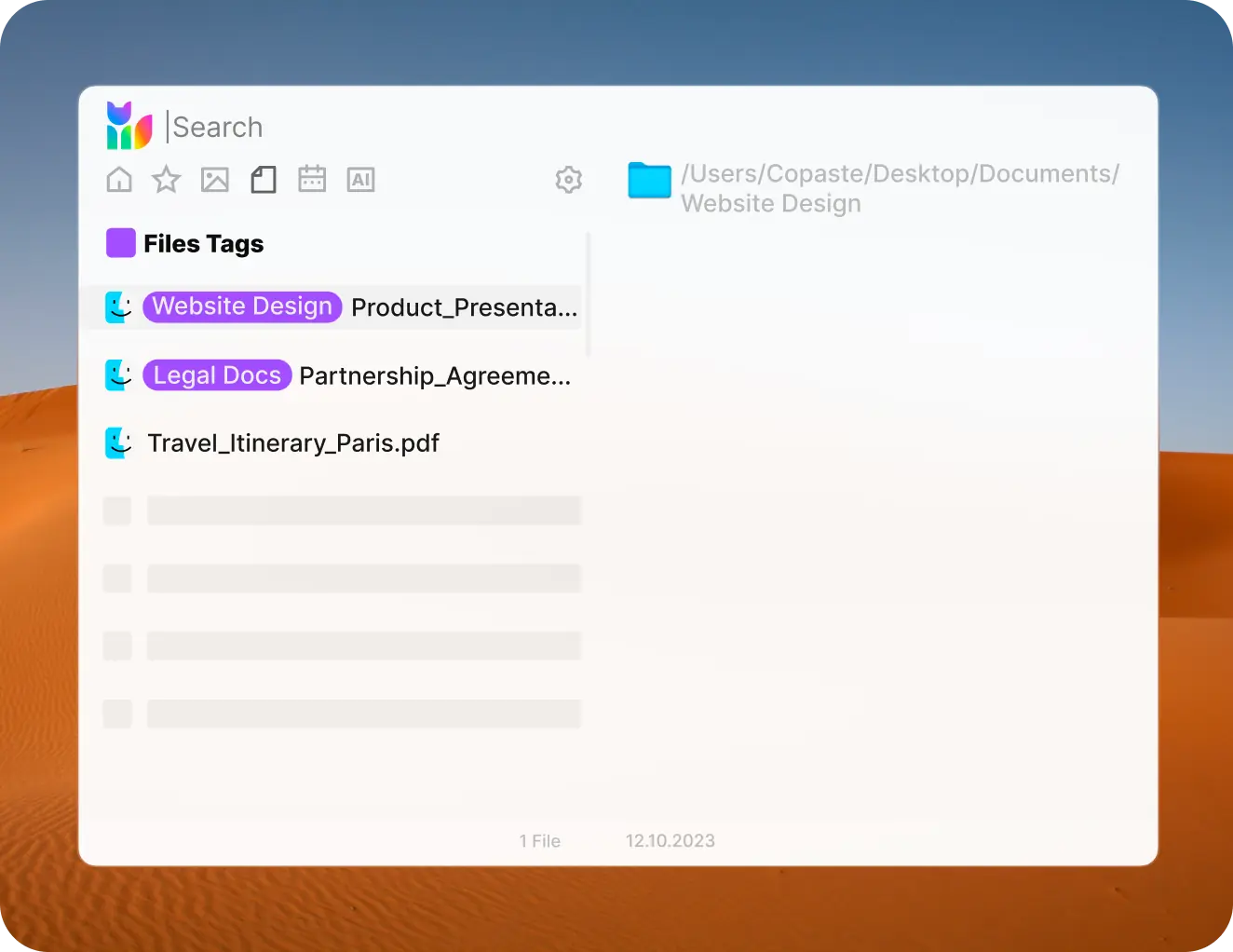
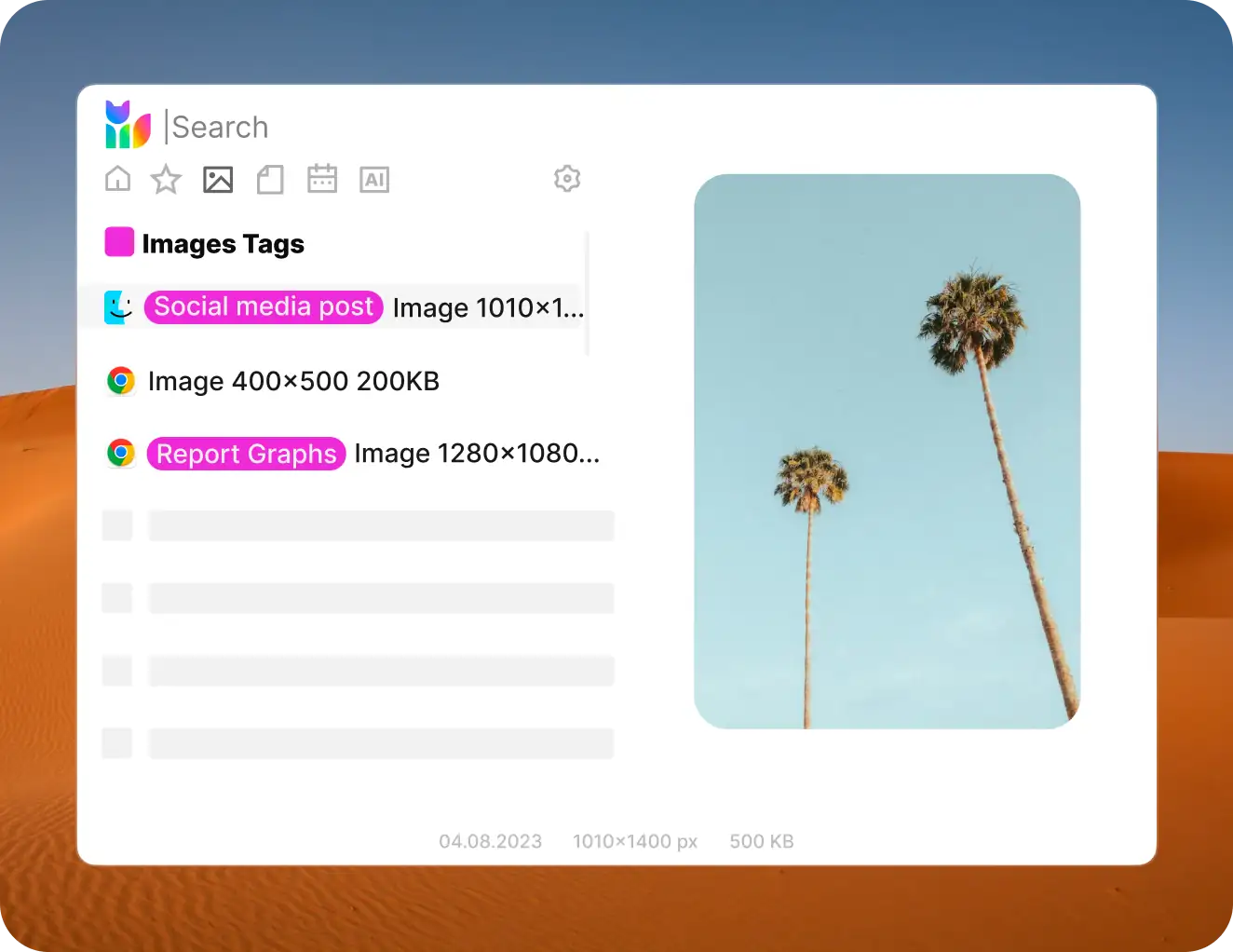
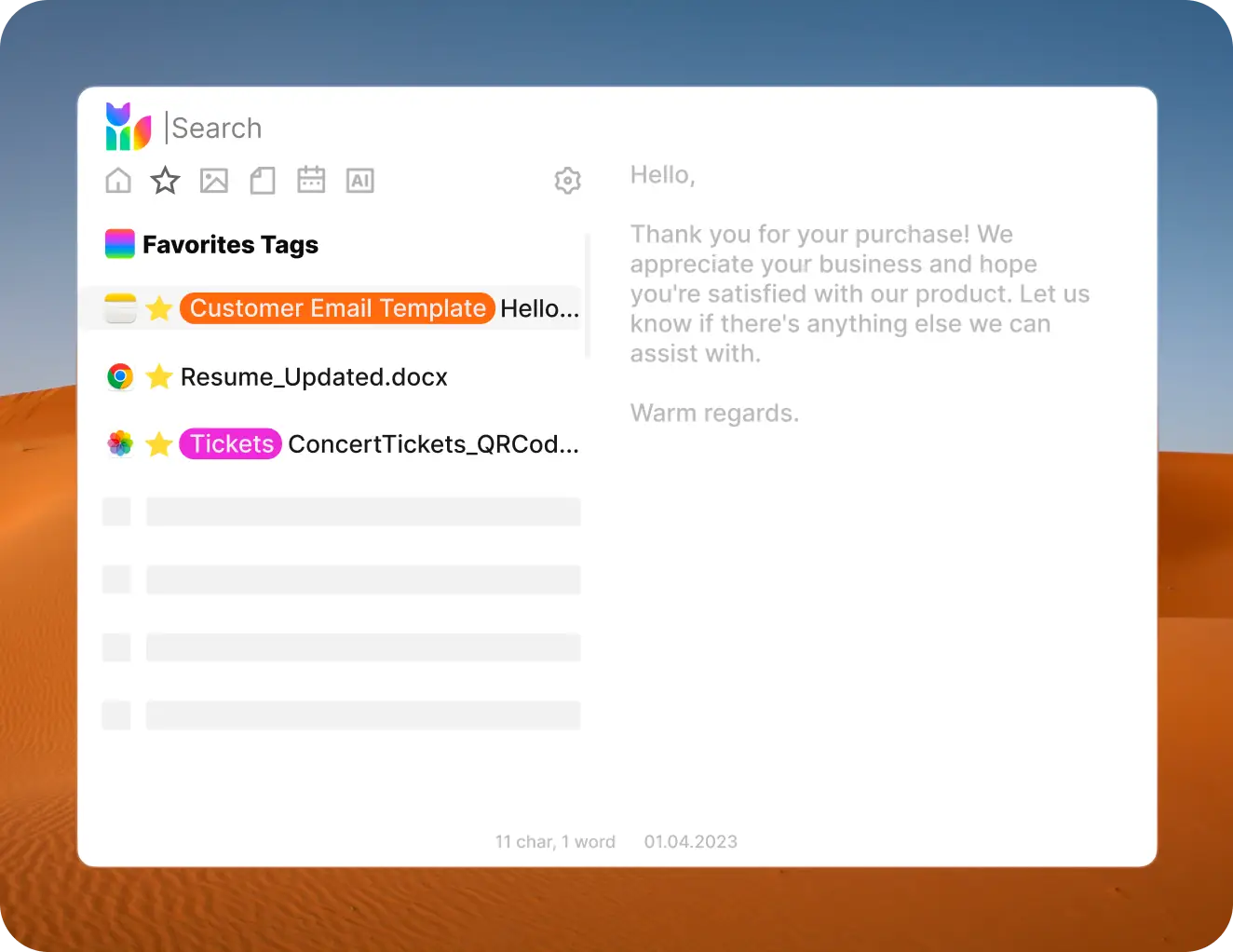
From favorites, texts, images, files, to meeting links and AI prompts, save everything seamlessly. No more juggling between apps—Copaste brings it all under one roof.

Get a clear view of your copied items. Whether it's a text snippet or an image, Copaste offers a comprehensive preview, complete with details like the date copied, size, and character count.

Rest easy knowing Copaste is local-only. Your data stays on your device, ensuring unmatched security and privacy.

Navigate categories, search, and manage your clipboard solely with your keyboard. No more cursor chasing. Pure efficiency.

Prefer crisp light or sleek dark mode? Copaste adjusts seamlessly. Switch themes for a comfortable view.
Secure your Lifetime Access with a single click!